Skip to content
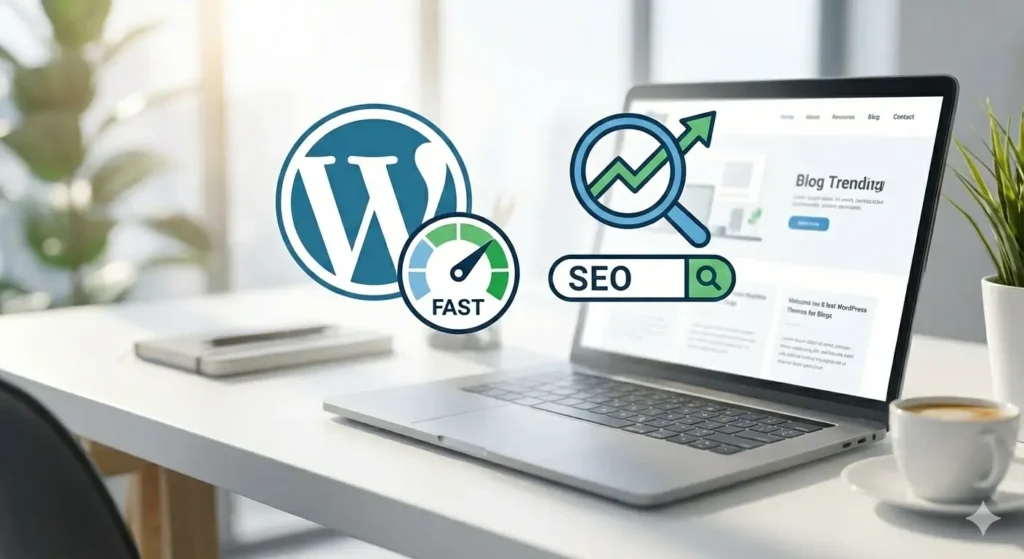
It’s great to start a blog. But select the wrong theme? Before you even publish your first part, that may disturb your readers, slow down your website, and impact your SEO. If you’re looking for the best WordPress themes for blogs, you’re in the right place. In this Article, I will show you how to use quick, simple, SEO-optimized themes in this post so that your content will rank higher on Google compared to lower.
Let’s get started.
The Importance of Your WordPress Theme for SEO
A lot of beginners think that SEO is all about keywords. It isn’t.
Your theme has an impact on:
- Page speed
- Mobile responsiveness
- User experience
- Core Web Vitals
- Essential Web Elements
Google likes websites that load fast, have a clean design, and run smoothly on mobile devices. That’s why choosing one of the best WordPress themes for blogs is one of the best decisions you can make early on.
What Makes a Blog Theme “The Best”?
When I built a website for my client, I tested the theme for use
1. Speed & Performance
Lightweight code. No unnecessary animations. Fast loading time.
2. SEO-Friendly Structure
Clean HTML markup and compatibility with plugins like Rank Math or Yoast SEO.
3. Mobile Responsive Design
Most traffic today comes from mobile devices.
4. Easy Customization
You shouldn’t need to know coding.
5. Good Reviews & Regular Updates
Security and long-term reliability matter. Now let’s look at the top options.
1. Astra is the top in the best wordpress themes for blogs
Astra is one of the most popular and best WordPress themes for blogs — and after using Astra myself, I completely understand why. It’s very lightweight, and in my experience, it loaded in under a second on most hosting setups without any extra optimization.

Why Bloggers Love Astra:
- Extremely fast performance
- Pre-built blog templates
- Works with Elementor & Gutenberg
- SEO-friendly structure
- Free version available
If you’re a beginner, Astra makes everything simple. You can build a clean blog design very fast
Best for: Beginners, affiliate bloggers, niche blogs.
2. GeneratePress – Best for Speed & SEO
GeneratePress is a good option if speed is your primary focus. This theme is famous for speed optimization and clean design.
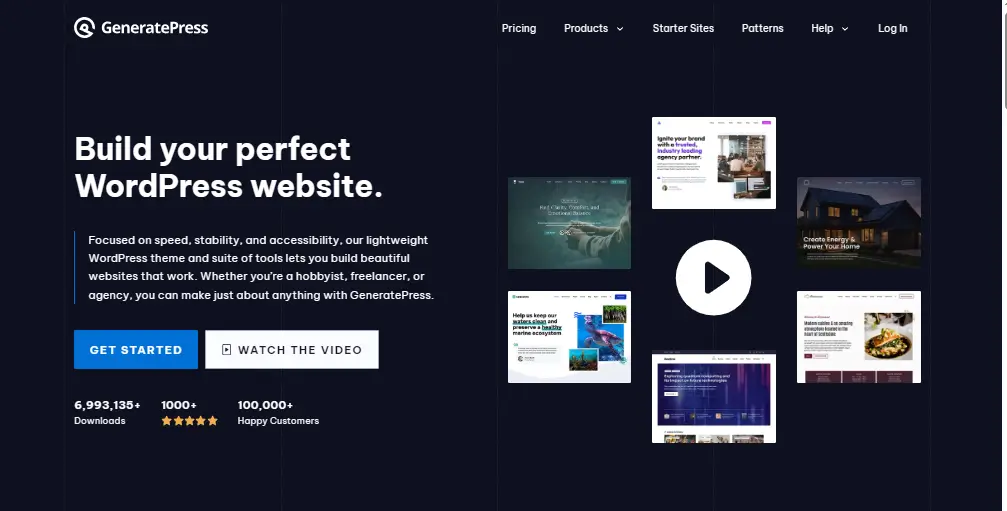
Key Features:
- Under 10KB page size (very lightweight)
- Built with SEO in mind
- Excellent typography control
- Highly customizable
Many advanced bloggers prefer GeneratePress because it gives control without slowing the site. Best for: SEO-focused bloggers.
3. Kadence – Best for Modern Design
Kadence’s popularity has increased quickly. It works with modern blog layouts with speed.

Why It Stands Out:
- 400k+ websites
- Pre-designed starter templates
- Fast performance
- WooCommerce support
Kadence is a great option if you want your blog to look expert without hiring a designer. Best for: Personal blogs, tech, and lifestyle.
4. Neve – Best for Mobile Optimization
Neve is built mobile-first. Since Google uses mobile-first indexing, this is a big advantage.
Features:
- AMP compatible
- Fast loading
- Clean minimalist design
- Easy setup wizard
Neve is one of the top WordPress blog themes if most of your audience use mobile devices. Best for: Websites with a lot content and news blogs.
5. OceanWP – Best Free Feature-Rich Theme
OceanWP offers many premium-level features for free. It’s flexible and works well for blogging and small business sites.
Benefits:
- Highly customizable
- Built-in SEO features
- Responsive design
- Strong plugin compatibility
However, it may feel slightly heavier than Astra or GeneratePress if not optimized properly. Best for: Bloggers who want design flexibility.
6. Blocksy – Best Gutenberg Theme
Blocksy is built for the WordPress block editor (Gutenberg). It’s modern, lightweight, and easy to customize.
Why Choose Blocksy?
- Real-time live preview
- Fast and optimized
- Clean blog layouts
- Advanced typography control
If you want a fast-loading website without using a heavy page builder, Gutenberg might be the best fit for you. Blocksy is one of the best WordPress themes for blogs.
7. Soledad – Best Premium Blogging Theme
Soledad is a great choice if you’re ready to spend money on a premium theme. Thousands of design layouts are available.
Highlights :
- 6000+ homepage demos
- SEO optimized
- AdSense-friendly layouts
- Multiple blog styles
Best for: Professional bloggers and content publishers.
8. Newspaper – Best for Content-Heavy Blogs
Newspapers are popular for magazine-style blogs. If you plan to publish daily articles, reviews, or trending content, this theme works well.
Key Features:
- Optimized for speed
- Great typography
- Built-in ad spots
- Drag-and-drop builder
Best for: News, tech, and entertainment blogs.
How to Choose the Right Blog Theme
Here’s a simple rule:
If you’re just starting → Choose Astra or Kadence.
If SEO is your focus, → Choose GeneratePress.
If you want premium features → Consider Soledad or Newspaper.
Don’t overthink it. Most successful blogs use simple, fast themes. Content matters more than design.
Practical Tips After Installing Your Theme
Even the best WordPress themes for blogs won’t rank if you ignore optimization.
Here’s what to do next:
- Install a caching plugin (like WP Rocket or LiteSpeed Cache)
- Optimize images before uploading
- Use an SEO plugin (Rank Math or Yoast)
- Choose fast hosting
- Avoid installing too many plugins
A fast website + helpful content = better rankings.
Common Mistakes Bloggers Make
Avoid these:
- Choosing heavy themes with too many animations
- Ignoring mobile design
- Not testing page speed
- Switching themes too often
- Focusing on looks instead of readability
Your blog should be simple, clean, and easy to read. Make sure you choose the right CMS WordPress is best for blog if you want a guide, check the details on why wordpress is best for blogs. wordpress vs webflow
FAQs About Best WordPress Themes for Blogs
GeneratePress and Astra are considered among the fastest themes available today.
Yes. Many free themes like Astra, Kadence, and Neve are powerful enough for most bloggers.
Yes. A poorly coded theme can slow your site and hurt your search rankings.
Not necessarily. Start with a free lightweight theme. Upgrade later if needed